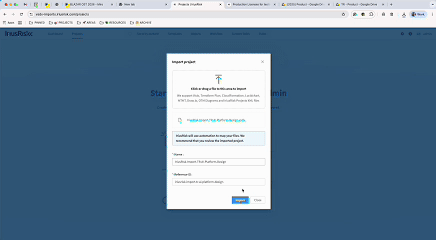
These have been possible in IriusRisk for some time now, however we made some changes to streamline license management and reduced unnecessary license consumption when importing diagrams. Importing Visio (VSDX) or Lucidchart diagrams previously created a full project that consumed a license, despite no threats or countermeasures being generated. Imported VSDX diagrams now default to Blueprints, ensuring they don’t consume a license until the project is actively used.
Users can also import Visio and Lucidchart diagrams with their original layout and styling preserved. Shapes are intelligently mapped, combining static mappings with AI-powered shape recognition. JeffAI intelligently identifies and maps shapes, delivering broader coverage and a smoother VSDX import experience. Previously, importing diagrams from Visio or Lucidchart required users to spend time manually adjusting layouts and replacing shapes to match IriusRisk components. This created unnecessary friction and slowed down the modeling process.